

Description
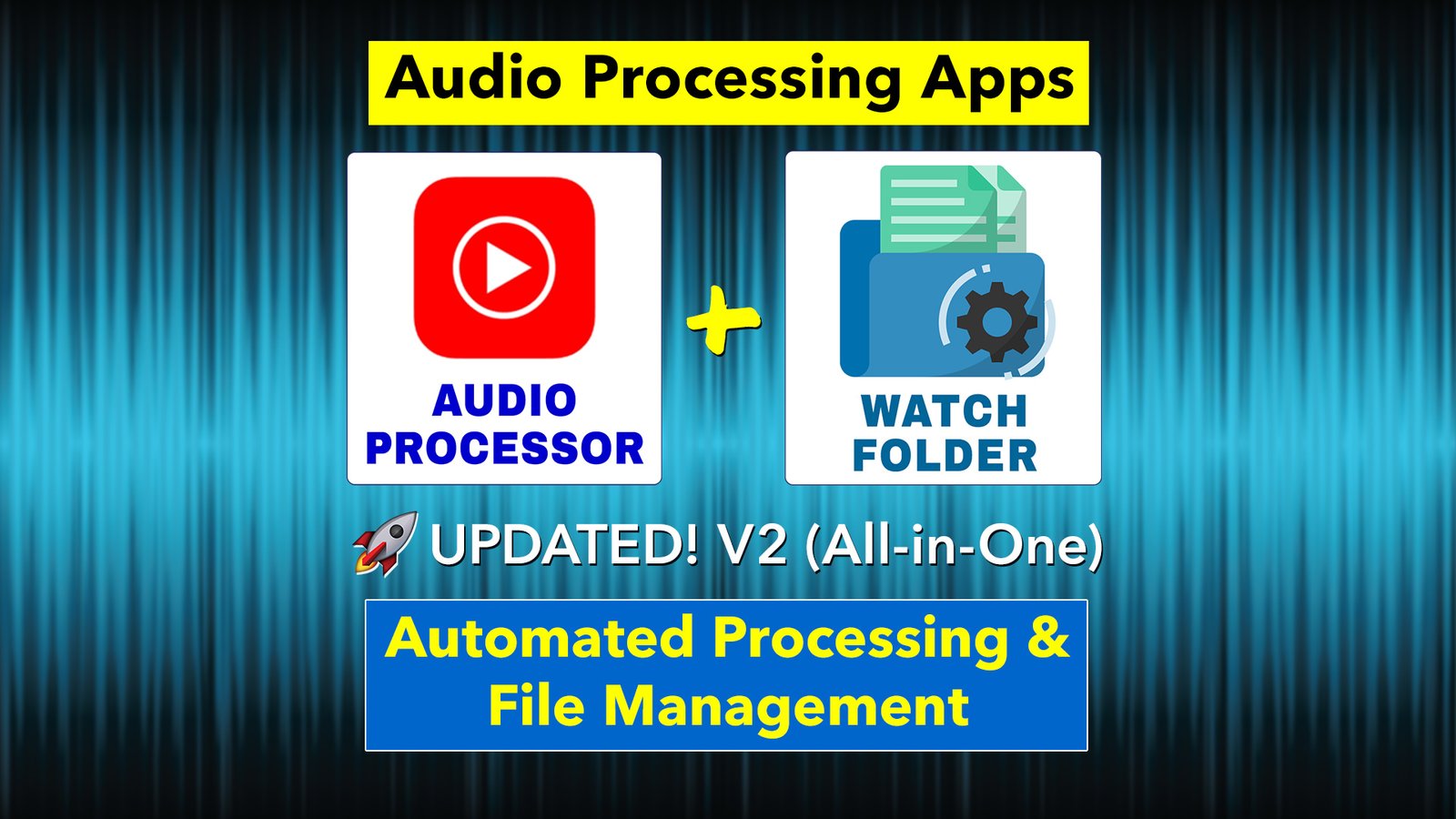
🚀 Revolutionize Your Workflow with Automated Audio Processing Apps
Updated (v2.0) – All-in-One App!
AI-powered content creation is transforming the radio game. From script to AI-generated voiceovers, creating content has never been easier. But what about the next step? Editing, processing, and broadcasting—until now, it’s been a time-sucking bottleneck.
Time suck no more! This app will streamline your workflow, saving you hours and getting your audio on-air faster than ever.
1️⃣ The Audio Processing App – Your Station’s New MVP
Tired of endless edits and processing? Turn it over to the Audio Processing App. It’s packed with features to automate audio prep:
✅ MP3 to WAV Conversion -Batch converts files in order to use Silence Removal feature. *New Feature* You no longer need a separate converter.
✅ Silence Removal – Say goodbye to awkward pauses…which AI VO is guilty of…with clean, natural-sounding audio in seconds.
✅ Advanced Audio Processing – Applies compression, limiting, and normalization, making tracks instantly radio-ready.
✅ Instant RadioDJ Integration – Processed files are imported directly into RadioDJ, ready for air, hands-free. Turn it off, if you don’t use RadioDJ.
Whether you’re using AI-generated voiceovers or recorded DJ tracks, this app takes the hassle out of prep work.
2️⃣ Watch Folder App – Automated File Management
True hands free workflows require files to be automatically moved between different folders and renamed. This simple app makes it possible!
✅ Auto File Relocation – Tell it which folder to actively monitor and anytime a file hits that folder, it will be moved to another folder of your choice.
✅ Auto File Renaming – If your radio playout software is expecting a file named “VT-Weather-Live”, but the file from your AI voice service is called “weather”, that’s a problem. The app’s renaming feature ensures your files are always named properly. Each time a file named “weather” hits the watch folder, it will be renamed “VT-Weather-Live” and moved to a new destination folder.
✅ Auto App Triggering – In order to use my Automated Audio Processing workflow, this app will launch the Audio Processing app after the file is moved…100% in the background. No clicking required.
This tool bridges the gap, keeping your automated workflow seamless and efficient.
Why These Apps?
🎙️ Massive Time Savings: Fully automated workflows, like the Robo Request Project, lets you focus on creativity, not time consuming production.
🎙️ Broadcast-Ready Quality: Deliver professional-grade audio…every time.
🎙️ Total Versatility: Ideal for AI voiceovers and DJ voice tracks. Perfect for AI VO created in a Make.com automation and sent to your computer.
Ready to Upgrade Your Workflow?
Grab the Audio Processing App and Watch Folder App today and experience the power of truly automated audio. From idea to air…faster.
➡️ WHAT YOU’LL GET:
• Audio Processing App: Main version with user interface
• Audio Processing App: Auto version. Runs in background, hands-free.
• Watch Folder App
• Helpful User Guides for both apps
🔧 REQUIREMENTS:
-Windows 10
-FFmpeg (free download)
-RadioDJ REST server enabled (if applicable)
🎥 Before purchasing: Please watch my Automated AI Weather video (go to 59:48) to see these apps in use -> https://youtu.be/XxP93K3fye0
⚙️ Since this is a simple “home made” app, you just unzip the file and move the folder to anywhere on your computer.
• It hasn’t been digitally signed, which is a process used to certify software. It’s very expensive to purchase a software signing certificate and would drive up the price of this app greatly. Trust me, the software is safe. Just ignore/close any security messages you may get.
• The app has been throughly tested on Windows 10 and should work on Windows 11. Please make sure you’re running one of these OSs before purchasing. Unfortunately, tech support isn’t available.
⚠️ Since this is a digital product, all sales are final • Thank you!
Reviews
There are no reviews yet.