
Description
Split the Audio✂️ Skip the Editing
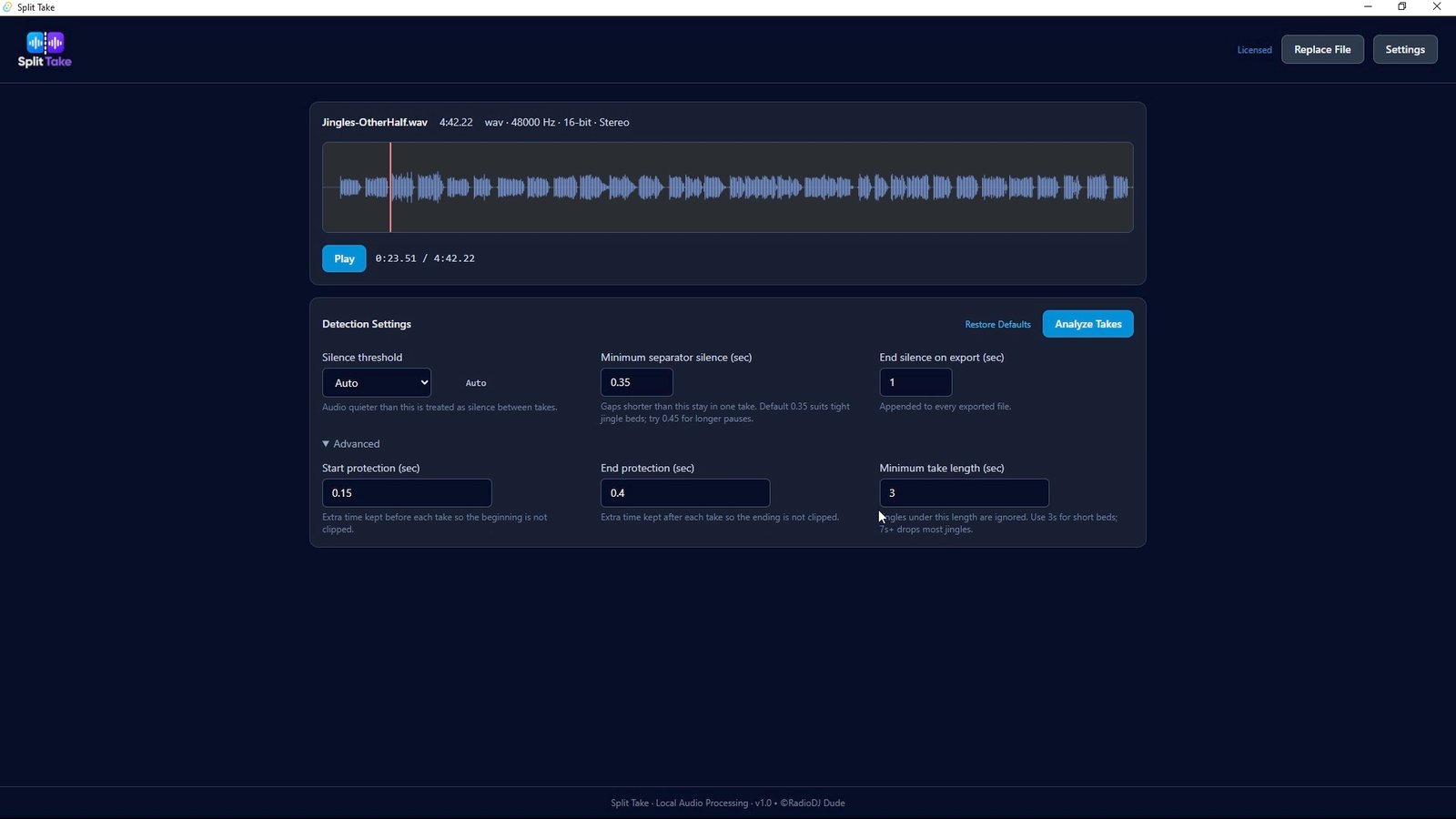
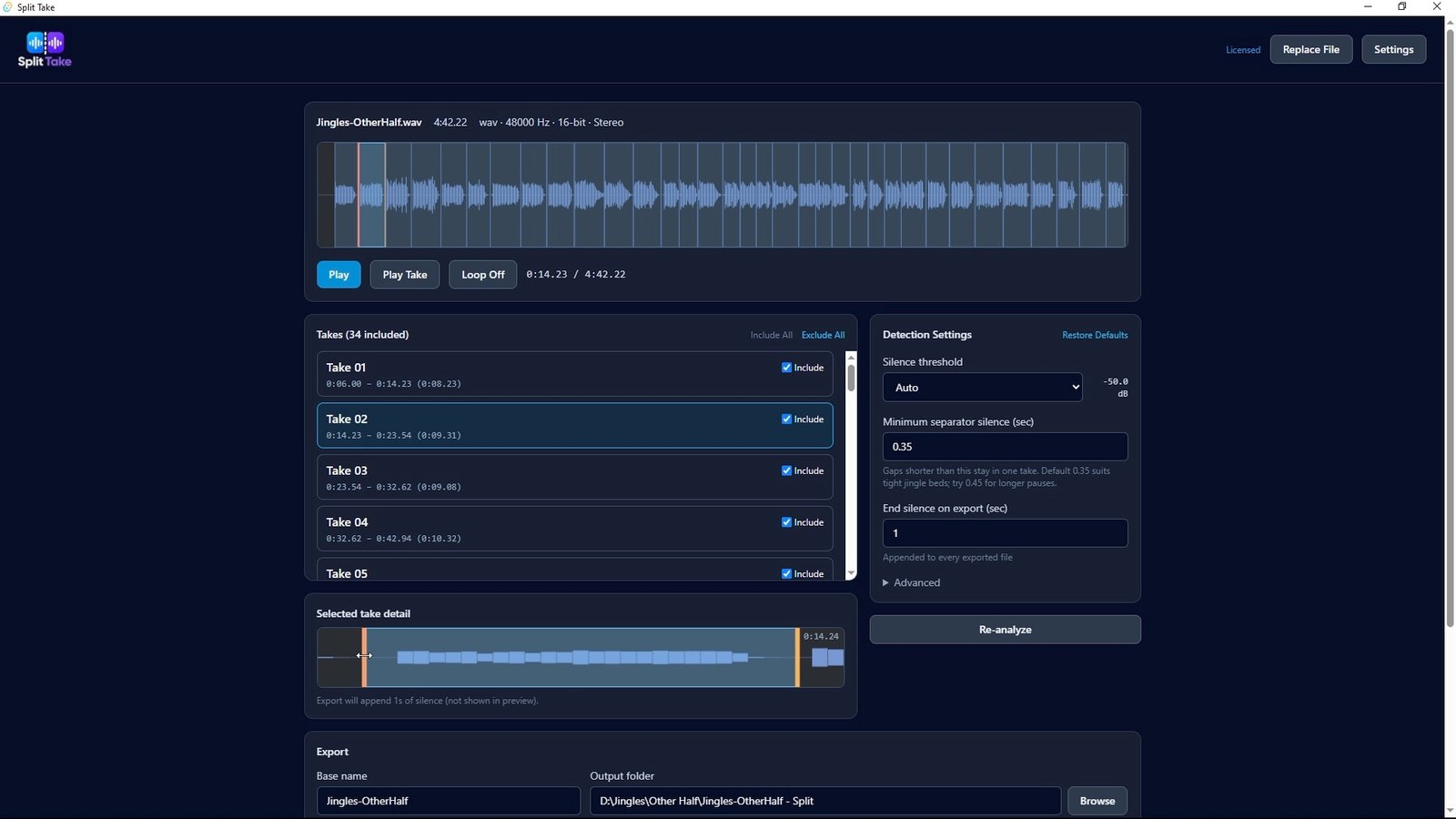
Split Take automatically detects audio separated by silence and turns one long recording into clean, individually named clips—in seconds.
- Automatically finds and separates every take
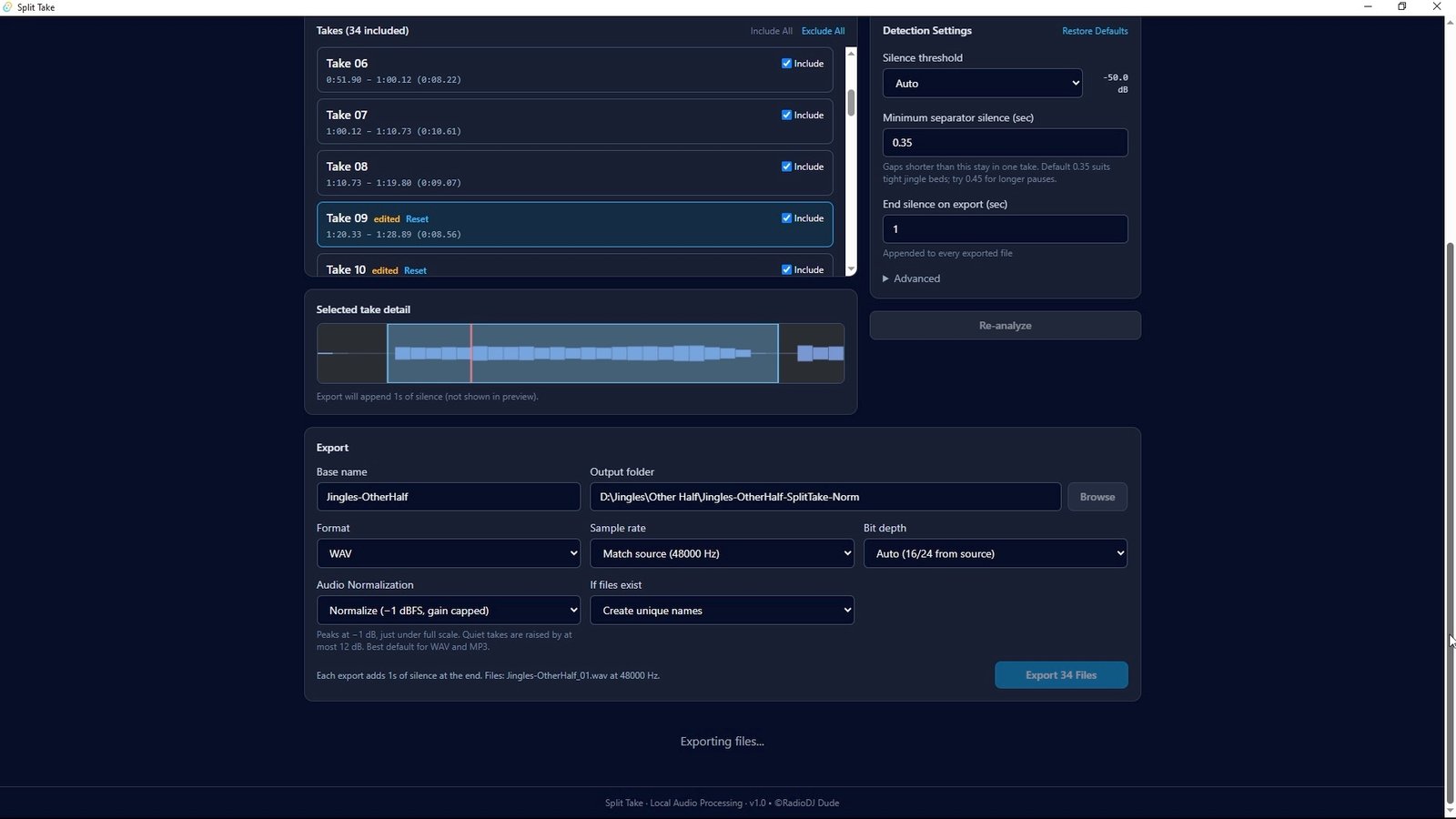
- Preview, loop, and adjust cuts before exporting
- Protects beginnings, fades, and reverb tails
- Optional normalization and added end silence
- Processes everything locally on your computer
- Available for Windows
Perfect for radio sweepers, jingles, voiceovers, commercials, podcast pickups, AI-generated audio, and any authorized multi-take recording.
🎁 Try It Free (Download Link at top of page)
Analyze up to 5 source files and export up to 5 clips from each file—up to 25 clips total.
Launch Price: $21.95
(Regular price: $27.95. One-time purchase. No subscription.)
Split Take. Split Audio. Save Time.
What it is Not
Not a DAW. One job: split takes cleanly. Exports WAV and MP3 files.
License
One computer per purchase. After checkout you get an activation code by email. Paste it in Split Take → Settings. Transfer the license if you get a new machine.
Requirements
Windows 10 or 11. Internet needed once to activate.
IGNORE/BYPASS ERROR MESSAGES
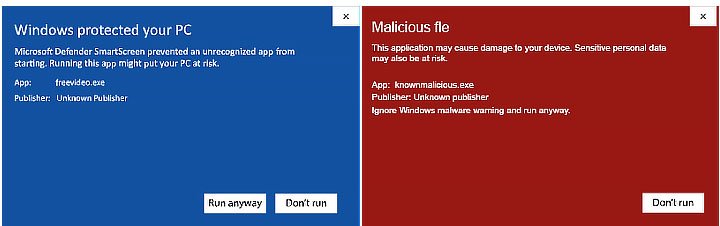
The software is safe. The reason you’re seeing those is because the app isn’t officially verified or “signed” by Microsoft. Doing so would add $$ to the the price and it’s not worth it to you to pay more for a silly “verification”. If you’re having issues, temporarily disable or downgrade your security settings before downloading and/or running the file.
Reviews
There are no reviews yet.