
Description
🤖 Transform radio requests from your website into on-air gold…automagically with AI!
This automated workflow will turn website requests & dedications (from the RadioDJ WordPress plugin) into fully produced, AI-voiced audio files that are ready for playback.
This cool AI workflow will:
⏰ Save time
🎉 Boost engagement
📻 Keep your radio station sounding top-notch
Save hours of set-up and grab my Make.com template files for this project. It took me hours to build, test and tweak these workflows. Avoid the time suck by simply importing my blueprints into your Make scenario. Boom! Insta-Robo Requests!
You still need to connect your individual accounts to each module (ChatGPT, Eleven Labs and Dropbox (if used)). BUT, no worries! I’ll virtually walk you through the steps in a detailed set-up video.
➡️ Here’s what you get:
-Robo Request-Single Voice TEMPLATE
-Robo Request-Multi Voice TEMPLATE
-Updated RadioDJ Web Plug-in PHP Files (just upload to your web host!)
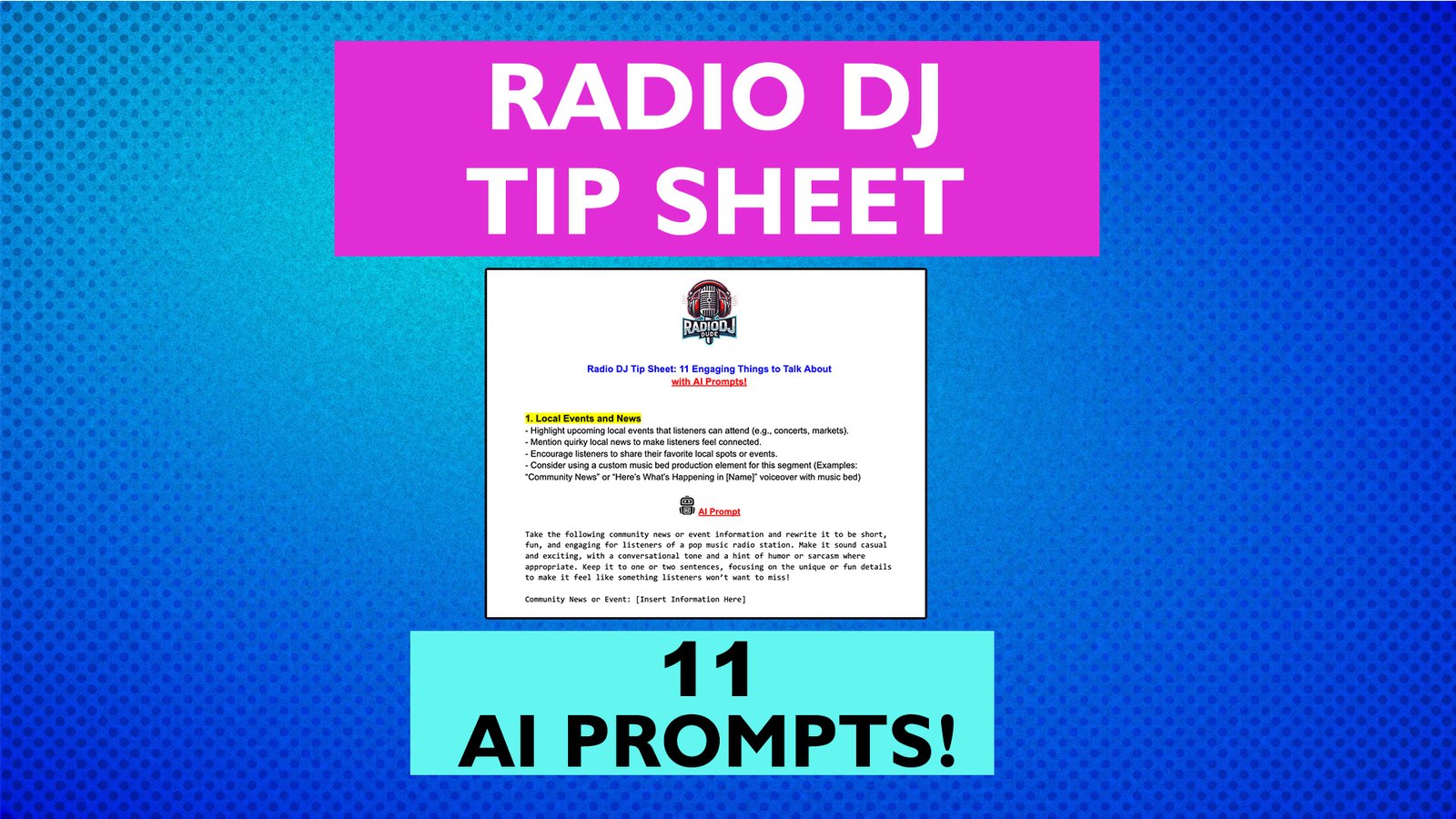
-ChatGPT prompt (can be used with any service)
-RadioDJ SQL Query for Robo Request Feature
-Detailed tutorial video on entire workflow (18 min)
🎉 Bonus! I’m also throwin’ in:
-10% coupon for my NEW automated audio processing apps. Apps like these are needed to achieve a fully automated workflow.
🚀 My new Audio Processing Apps AUTOMATE:
• MP3 to WAV Conversion
• Radio Ready Audio Processing (Compression, Limiting, Normalization)
• Silence Remover (Auto editing of silent parts of voiceovers)
• RadioDJ Folder Sync to Import Audio Files
⚙️ REQUIREMENTS:
-Free Make.com account
-ChatGPT subscription OR account with a positive token balance (or Claude subscription)
-Free ElevenLabs account
-Robointern (Free Windows app for automation)
-Dropbox or similar file storage solution is required
⚠️ RadioDJ WordPress Plugin for website requests. This has only been tested on RadioDJ. If you use another playout software, there’s no guarantee it will work.
🎥 The templates come with a detailed, step-by-step 18 min video tutorial, so you’ll know exactly how to connect your accounts, insert API keys, and get the automations running smoothly, even if you’re new to Make.
Skip the long, complex setup process and directly import these Make automation templates (“blueprints”) to start automating cool content immediately!
⚠️ Since this is a digital product, ALL SALES FINAL. No refunds. No personal support. If you need support, contact me to book a call.
📣 Please watch the YouTube video to make sure this is item you’re looking for.
Reviews
There are no reviews yet.